AI skeleton filter
Turn into a skeleton from one photo: a 5‑second video of the change, or a photo.
Turn into a skeleton from one photo: a 5‑second video of the change, or a photo.
Turn into a skeleton: skull face make-up that looks like bone and a black hood, in a foggy graveyard. It is spooky, not gory: no blood. If it fails your credits come back, and if it does not look like you, you can remake it once for free.
 Before
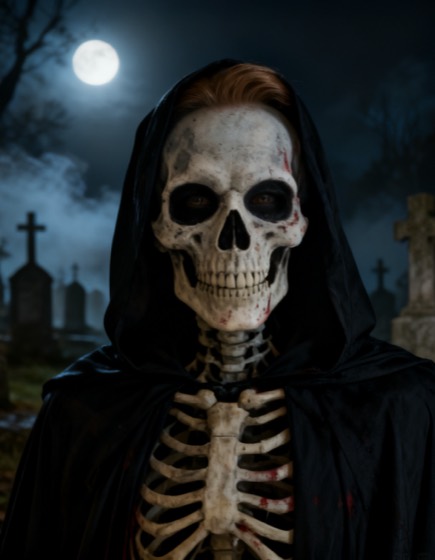 After: skeleton photo
Curious, or want to try it with another AI tool? This is what we ask the models for: first the photo, then the change.
Turn the person in this photo into a Halloween skeleton, keeping them recognisable: the same face shape, expression, hairstyle, pose and framing. Their face is covered in skull make-up so realistic it looks like bone, with dark eye sockets and the skull following the shape of their own face, and they wear a black hooded robe. A dark graveyard at night with fog and moonlight behind them. Photorealistic and spooky. Scary but not gory: no blood, no red marks, no cuts or wounds, no gore. No text, no watermark.
The person slowly turns into a skeleton: bone-white skull make-up spreads over their face, their eye sockets darken, a black hood falls over their head and fog rolls in under the moonlight. One smooth continuous transformation and a slow camera push-in. Spooky, not gory.
See also the zombie trend tutorial.
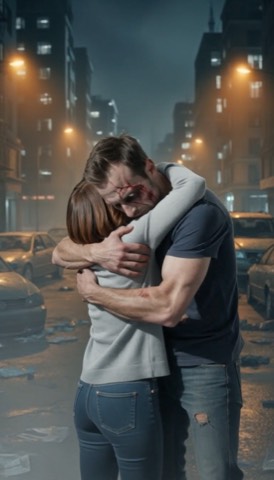 Zombie couple videoTwo photos become one 15‑second vertical story: one of you turns into a zombie, the other raises a gun but cannot shoot, and you end in a hug.
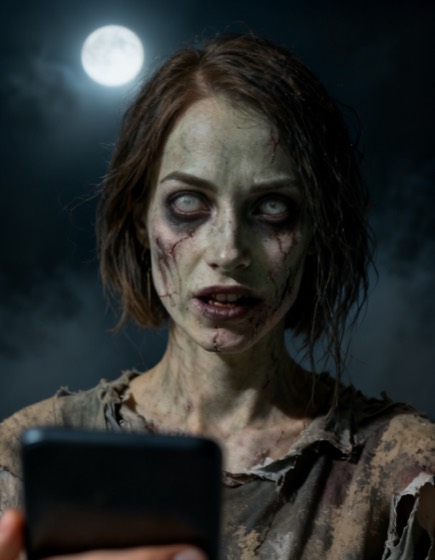 AI zombie filterTurn yourself into a movie-quality zombie: pale skin, dark veins, cloudy eyes, still clearly you.
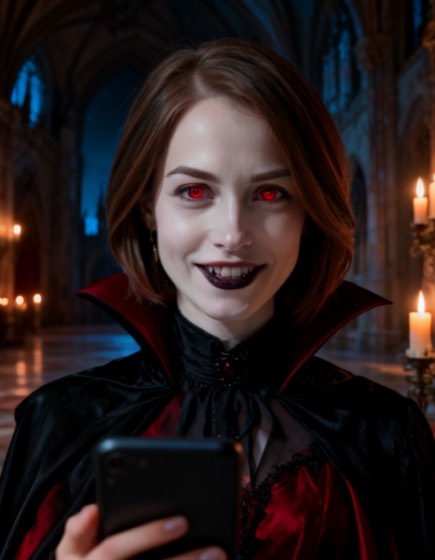 AI vampire filterBecome an elegant vampire: porcelain skin, red eyes, a gothic collar, in a candle-lit castle.
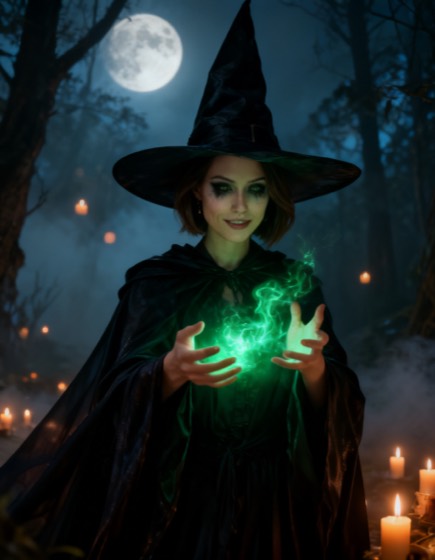 AI witch filterBecome a powerful witch: a pointed hat, a dark robe and green magic, in a moonlit forest.
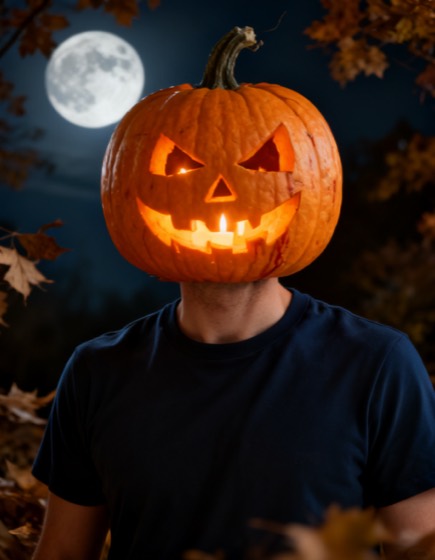 AI pumpkin head filterGet a glowing jack-o’-lantern head that copies your expression, with your own clothes and pose.